Hold down the Shift key to constrain the angle movement to 15-degree increments. You can also set a specific angle of rotation (between -180? and 180?) in the Angle text box in the options bar.
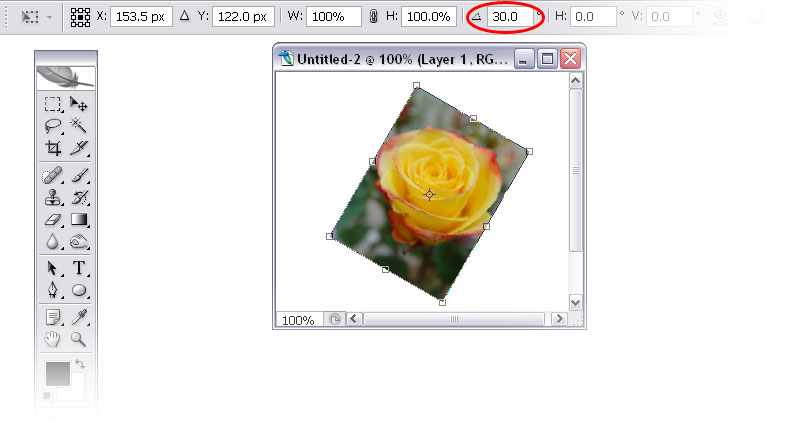 Setting the angle of rotation in the options bar Rotation Alternatives For 90- or 180-degree rotations, you can select Edit > Transform and choose from Rotate 180?, Rotate 90? CW, or Rotate 90? CCW.
Press Enter or double-click inside the bounding box to complete the transformation.