
09-02-2010, 11:36 AM
|
 | Contributor | | Join Date: Aug 2009 Location: City off Lights (Due to Load Shedding) Age: 43
Posts: 1,689
Contact Number: Ask Me! Program / Discipline: Bachelor of commerce Class Roll Number: 00 | |
 J & F Keys on your Keyboard.. J & F Keys on your Keyboard..
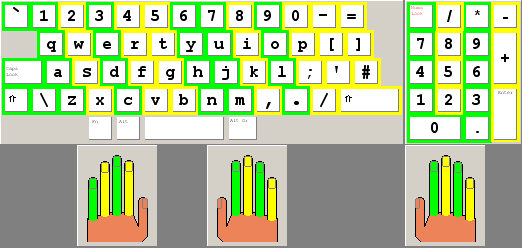
Now feel the F and J keys on your keyboard. Compare them with other keys.
Do you notice or feel that they are different from the other keys?
On all laptop keyboards(QWERTY) there are some ridges on the F and J buttons, what are they for?
Answer:
The bumps or ridges found on the F and J keys on the keyboard helps users correctly position their left and right hand on the keyboard without having to look at it. For example, without looking at the keyboard you can easily position your left index finger on the F and the right index finger on the J, which then positions all the remainder of your fingers in the correct position. People who touch-type (type without looking) use these two ridges to determine the position of their fingers on the keyboard.
 |